CRM
Every client and every enquiry in one place, with the history that goes with them.
Clients and bookings module, +£30 a month + VAT, no onboarding fee
Inbox and social module · £5 a month + VAT per connected account, £10 minimum
Client emails are where most of a small business's work actually happens, and they usually live in a separate app from everything else. Cetius connects your mailbox, so your email, your clients and your bookings are in one admin.
You: "Block out Friday the 16th, I'm at a wedding fair."
Assistant: Done. Nobody can book the 16th on your website.
You: "Reply to this morning's enquiry and say I can do the 14th instead."
Assistant: The reply is in your Drafts. It sends in 15 minutes unless you stop it.
Your connected mailboxes in one place, inside Cetius.
Write now, send later. Replies go at a sensible hour.
Hide a message until it matters; clear it when it's dealt with.
A proper composer with your signature and saved drafts.
See who a message is from and their history before you reply.
Your connected calendars shown next to your bookings. Read-only.
We connect your business mailbox to Cetius during set-up. It works with most email providers, and with any mailbox that supports IMAP, so Gmail connects too. Your email stays with your existing provider; Cetius reads and sends through it.
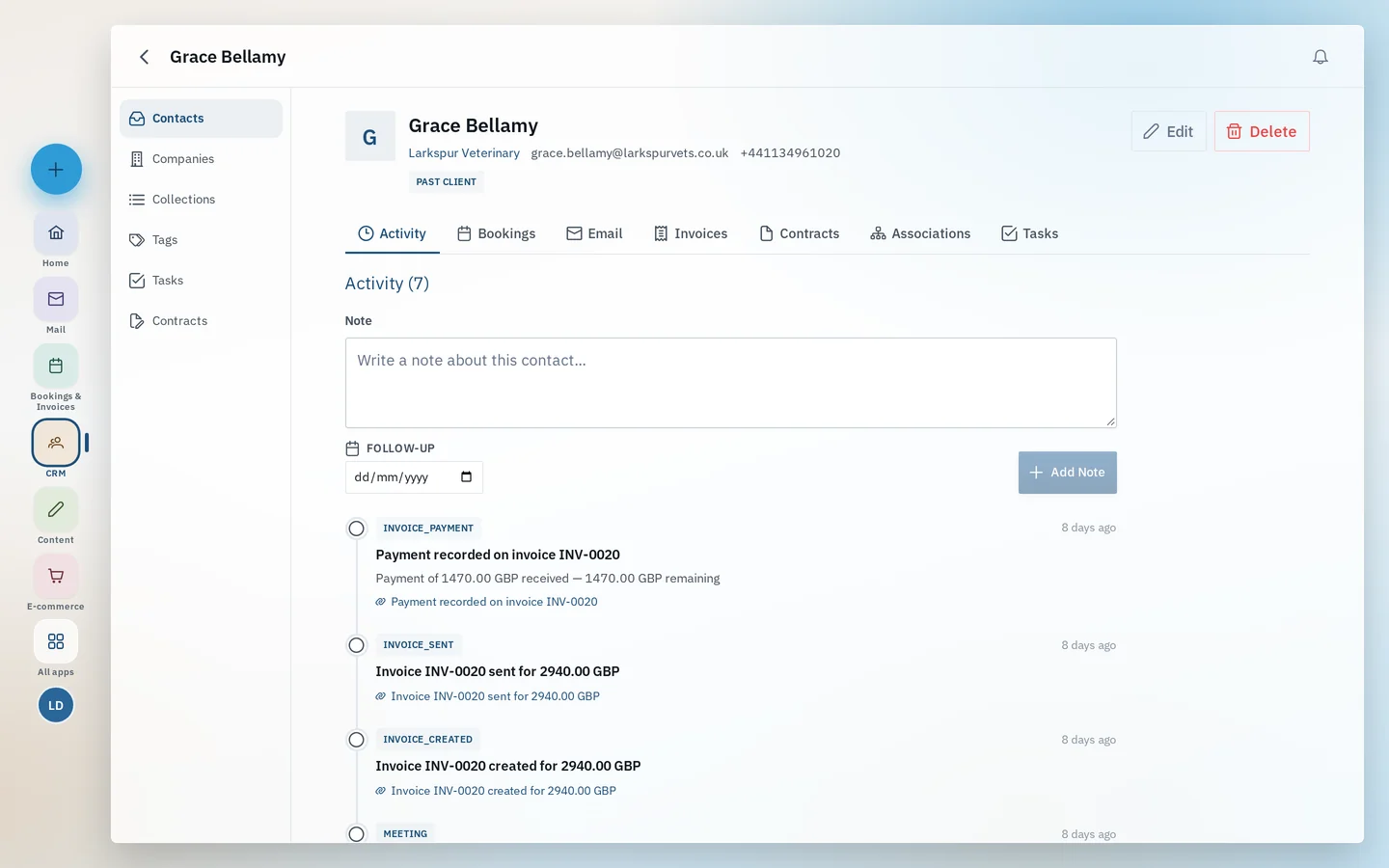
When an email is from someone in your CRM, you can see who they are and what has happened with them. Their emails also show on their contact record.
Cetius shows the calendars you connect as an agenda next to your bookings, so you can see your whole week in one place. The calendar is read-only in Cetius: you still add and change calendar events in your usual calendar app.
Ask your AI assistant to go through this morning's enquiries and draft replies. Anything it sends waits in your Drafts folder for at least 15 minutes first, and you get a notification. Change your mind and it doesn't go. It can move a message to the bin, but it can't delete an email permanently.
Inbox and social module
Part of the Inbox and social module: £5 a month + VAT for each connected account, with a £10 a month minimum, on top of the Website plan, and no onboarding fee. Your mailbox is one account, and its calendar comes with it. Each social profile you connect is one more. We connect your mailbox during set-up; most providers work, including Gmail over IMAP.
£5 a month + VAT per connected account, £10 minimum
Price your planConnect Cetius to your AI assistant and ask it to do the admin. Outgoing email waits 15 minutes, social posts 30, and it can't delete a contact.
How the AI connection worksEvery client and every enquiry in one place, with the history that goes with them.
Clients and bookings module, +£30 a month + VAT, no onboarding fee
Clients book on your own website, against your real availability.
Clients and bookings module, +£30 a month + VAT, no onboarding fee
One connector for your website, clients, bookings, inbox and company finances, with brakes on.
Included in the Website plan, £15 a month + VAT, plus £100 + VAT onboarding
A mailbox or a social profile. A mailbox counts once, and its calendar comes with it. Each social profile counts separately, so an Instagram account, a Facebook Page and a LinkedIn profile are three. Inbox and social is £5 a month + VAT for each connected account, with a £10 a month minimum: one mailbox on its own is £10, and a mailbox with two social profiles is £15.
It shows your connected calendars alongside your bookings, so you can see your week in one place. That view is read-only: you add and change calendar events in your usual calendar app.
Most of them. We connect your mailbox during set-up, and it works with the major email providers and with any mailbox that supports IMAP. That includes Gmail, which connects over IMAP. Your email stays with your provider; Cetius reads and sends through it.
Not straight away. Any email your assistant sends waits in your Drafts folder for at least 15 minutes, and Cetius sends you a notification. If you change your mind, you stop it. There's no way for it to send immediately, and the delay is enforced by Cetius's server, not by a setting the assistant can change.